Atlas Browser is a web browser developed by OpenAI that integrates ChatGPT directly into your browsing experience. This tool simplifies online tasks by offering real-time assistance, remembering context, and automating actions. Here’s what you need to know:
- What It Does: Atlas combines browsing with AI support, allowing you to ask questions, summarize content, and even perform tasks like filling forms or managing tabs – all without leaving the page.
- Key Features:
- AI chat bar for commands and queries.
- Sidebar for managing conversations and related content.
- Natural language tab management for easier navigation.
- Context-aware assistance that adapts to your browsing habits.
- Requirements: Currently available for macOS (M1–M4, macOS 14.2+). Other platforms are in development.
- Account Access: Free for all ChatGPT users, but advanced features like Agent mode are in preview for Plus, Pro, and Business accounts.
Atlas is designed to make browsing more efficient, especially for professionals handling research, data analysis, or repetitive tasks. Its privacy controls ensure secure data handling while offering customization for autofill, permissions, and memory management. If you’re looking to simplify complex workflows, Atlas Browser could be a game-changer.
Getting Started with Atlas Browser
System Requirements and Account Tiers
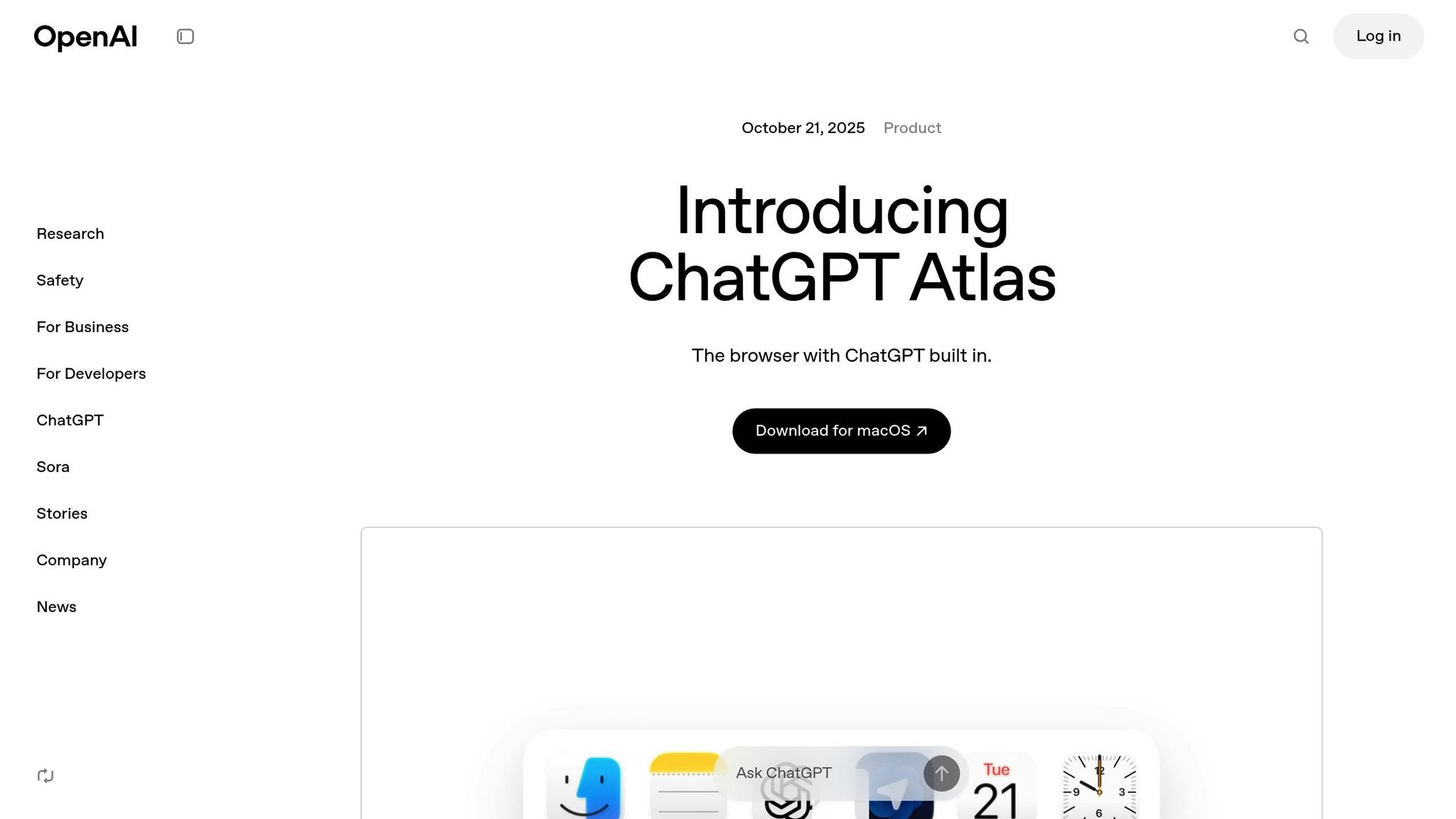
Before diving into Atlas Browser, make sure your system meets the necessary requirements. Currently, Atlas is exclusively available for macOS, with versions for Windows, iOS, and Android expected in the future [3].
To run Atlas, you’ll need a Mac with Apple silicon (M1–M4) and macOS 14.2 or later [2]. Unfortunately, Intel-based Macs are not supported.
Atlas Browser is free to download [3], but you’ll need an active ChatGPT account to use it [3]. Access to certain features depends on your subscription level, as shown below:
| Account Tier | Access Level | Available Features |
|---|---|---|
| Free, Plus, Pro, Go | Full global access | Basic browsing with ChatGPT integration |
| Business | Beta access | Full features, including Agent mode preview |
| Enterprise and Edu | Conditional access | Requires administrator approval |
One standout feature, Agent mode, lets ChatGPT perform tasks on your behalf. This feature is currently in preview for Plus, Pro, and Business accounts [4]. Ready to move forward? Check out the installation and setup steps next.
ChatGPT Atlas: Is This the Smartest Browser Ever?
Using the Atlas Browser Interface
Atlas Browser reimagines web browsing by embedding ChatGPT directly into your online experience. It combines the familiar functionality of a browser with AI-driven tools, creating a seamless and efficient way to navigate the web.
Main Interface Features
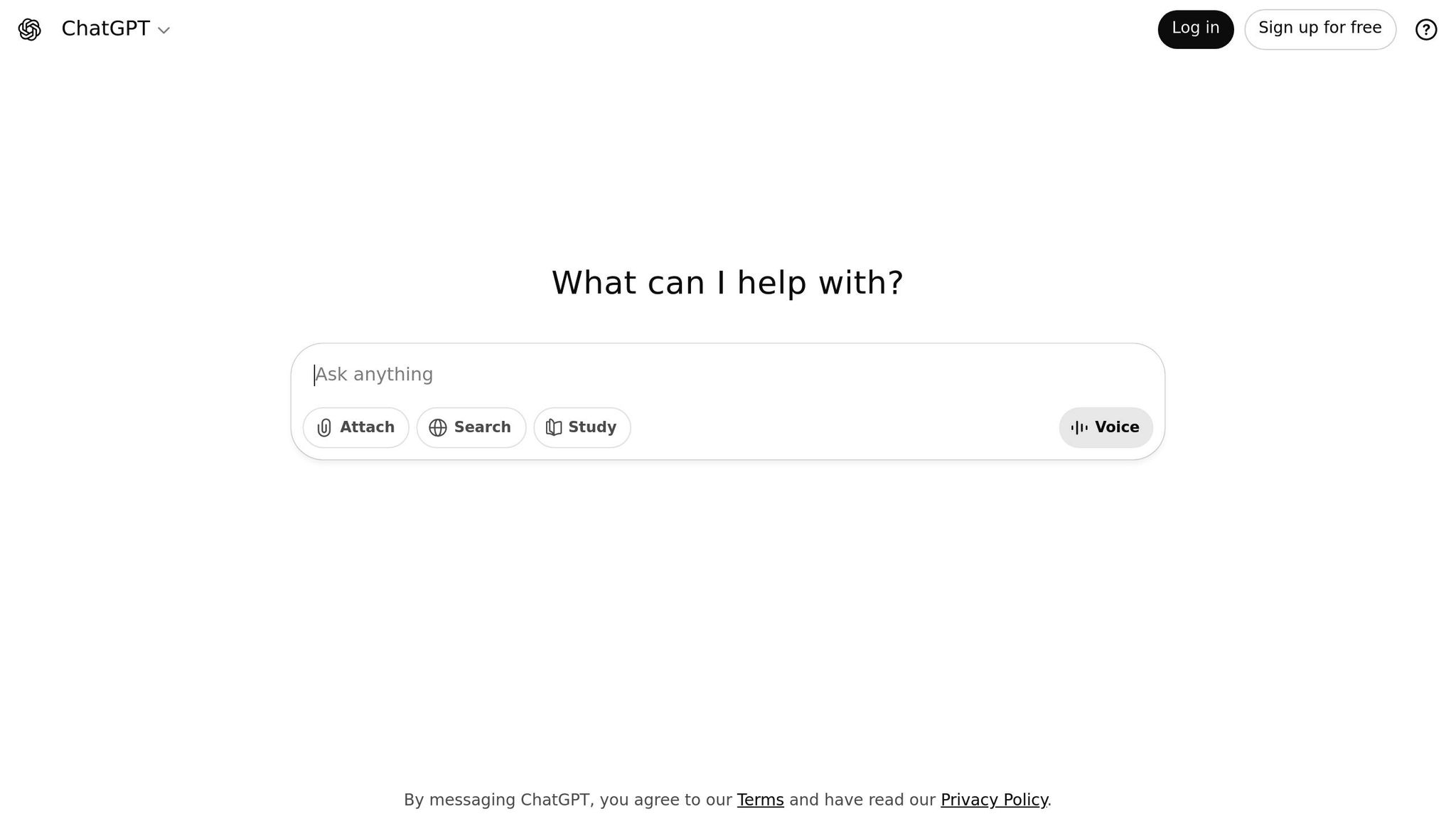
At the heart of the interface is the AI chat bar, positioned at the top of your browser window. This tool acts as your direct line to ChatGPT. Whether you need to ask questions, summarize content, or issue commands, you can do it all in plain English. For example, type, "Find the latest Tesla quarterly earnings" or "Summarize this article in three bullet points", and the AI delivers without disrupting your workflow.
The ‘Ask ChatGPT’ sidebar is a collapsible panel on the right-hand side. It keeps track of your conversations and references content from any open tab. This is especially helpful when juggling multiple topics across different sites, as the sidebar can connect related information and streamline your research.
Natural language tab management eliminates the need for manual tab sorting. Instead of clicking through tabs or using shortcuts, you can simply type commands like "Close all marketing tabs" or "Group my research tabs together." Atlas processes these instructions effortlessly, saving you time and hassle.
The address bar doubles as a command hub, blending traditional URL navigation with natural language inputs. For instance, type, "amazon.com and show me laptop deals under $800", and Atlas not only takes you to Amazon but also filters relevant results.
These tools are further enhanced by intuitive keyboard shortcuts, which make browsing even faster and more efficient.
Keyboard Shortcuts and Workflow Tips
- Command + K: Instantly opens the AI chat interface, letting you ask questions without leaving your current page. Perfect for quick research tasks.
- Command + Shift + A: Activates the sidebar’s focus mode, analyzing the content on your current page and suggesting relevant actions or questions. This is especially handy for dense materials like reports or technical documents.
- Command + T: Enables natural language tab switching. For example, type "Switch to the LinkedIn tab" or "Go to my email", and Atlas intelligently finds the right tab.
- Command + /: Opens the quick action menu, offering page-specific options. On an e-commerce site, it might track prices or compare products; on news sites, it could suggest related articles or fact-checking tools.
You can also chain commands for even greater efficiency. For instance, say, "Open three tabs with top renewable energy news, then summarize the main points from each", and Atlas handles it all in one go.
Context Awareness for Smarter Browsing
Atlas Browser takes browsing to the next level with its context-aware features. The AI adapts to the content you’re viewing, your habits, and your goals to provide tailored support. For example, when reading a technical whitepaper, ChatGPT can simplify complex terms or explain industry jargon.
Cross-tab intelligence allows ChatGPT to synthesize information from multiple tabs. If you’re comparing product reviews, for example, it can identify common themes, highlight inconsistencies, and summarize findings – no copying and pasting required.
The browser’s session memory ensures that context is preserved throughout your browsing session. Whether you’re switching between researching vacation spots and handling work tasks, ChatGPT can pick up where you left off when you return to a topic.
Predictive assistance learns your browsing patterns over time. If you frequently check certain sites, Atlas might preemptively summarize updates or highlight changes since your last visit. This feature becomes increasingly personalized as the AI gets to know your preferences.
For tasks like form filling and data entry, ChatGPT can offer suggestions tailored to the context. Whether drafting professional emails, completing online applications, or filling out contact forms, the AI understands the requirements and provides helpful input, saving you time and effort.
sbb-itb-7878072
Using Atlas Browser for Business Tasks
Atlas Browser brings AI-powered assistance right into your web browsing, making tasks like market research and competitor analysis easier and faster [1][5]. For example, when you’re reviewing industry reports or exploring competitor websites, ChatGPT steps in to highlight key trends and pull out essential data for your analysis. By organizing all the critical information on a single screen, it simplifies the research process, allowing you to focus on drawing strategic conclusions while the tool handles real-time data collection. Plus, this level of efficiency comes with strong privacy and security features built into Atlas Browser.
Streamlining Research and Competitor Benchmarking
Privacy, Security, and Data Control Settings
Atlas Browser prioritizes protecting your data while giving you full control over your browsing information. Here’s how it helps you stay in charge of your privacy.
Managing Browser Memories
Through the Settings menu, you can easily review and manage the data stored by your browser. This feature allows you to see exactly what information has been saved and delete anything you’d rather not keep. It’s a straightforward way to ensure your sensitive details are handled the way you want.
Privacy and Security Best Practices
Atlas Browser includes a variety of privacy tools to help keep your data safe. Make it a habit to check your settings regularly – things like enabling private browsing modes or fine-tuning secure data handling options can go a long way in protecting your information during every session.
Setting Up Autofill and Permissions
Want to customize how your information is used? Atlas Browser lets you manage autofill settings and permissions with ease. Decide what data gets automatically entered into forms and control access to features like your camera or microphone. These options combine convenience with a focus on keeping your data secure.
Don’t forget to update these settings periodically to keep up with your evolving security needs.
Conclusion and Key Takeaways
Atlas Browser brings AI-powered assistance directly into your browsing experience, eliminating the hassle of switching between your browser and tools like ChatGPT. With instant AI access, it simplifies complex tasks and uses context awareness to provide relevant suggestions and analysis based on what you’re viewing – no need for lengthy explanations.
On top of that, Atlas Browser automates repetitive tasks, such as generating web-based reports or drafting customer service responses. It efficiently processes data from multiple sources across tabs while maintaining context, offering a level of productivity that traditional browsers can’t match.
Privacy is another standout feature, with robust controls that ensure your data stays protected. This makes Atlas Browser a great fit for professional environments where security is a priority.
For professionals aiming to streamline AI-driven workflows, Atlas Browser integrates seamlessly into existing processes. Its intuitive design minimizes the learning curve, allowing you to quickly see productivity gains. Start with essentials like research and content analysis, and gradually explore its more advanced features as you get comfortable. Key strengths – like its AI assistance, task automation, and strong data protection – make it a powerful tool for modern workflows.
Atlas Browser doesn’t just help you browse – it transforms how you interact with the web. With its ability to help you understand, analyze, and act on information effortlessly, it redefines what a browser can do.
FAQs
How does the Atlas Browser’s AI feature help professionals work more efficiently?
The Atlas Browser seamlessly integrates AI to boost productivity, allowing professionals to browse websites, extract key insights, and act on them – all without leaving ChatGPT. Say goodbye to tedious copy-pasting; the browser delivers instant summaries and actionable recommendations based on the content you’re engaging with.
What’s more, it provides contextual assistance in platforms like Google Docs, Outlook, or web forms, but only when it’s relevant to your task. This smart feature helps you stay focused, offering support precisely when it’s needed. Whether you’re handling research, customer service, or sales, the Atlas Browser simplifies workflows and keeps things running smoothly.
What privacy and security features does Atlas Browser provide to keep my data safe?
Atlas Browser puts your privacy and security front and center, giving you complete control over what ChatGPT can access and remember during your browsing sessions. Want to clear specific pages? No problem. Prefer to wipe your entire browsing history? Done. You can even switch to incognito mode to temporarily log out of ChatGPT. Plus, browser memories are entirely optional – you can view, archive, or delete them anytime through the settings.
Managing site access is just as straightforward. Right from the address bar, you can block ChatGPT from accessing certain pages or saving any information. For families, parental controls set up in ChatGPT carry over seamlessly to Atlas. This includes the ability to disable browser memories and agent mode for extra security. These tools work together to keep your data private and secure, giving you peace of mind while browsing.
How do I unlock and use advanced features in the Atlas Browser, and what are the benefits of upgrading my account?
To access advanced features in the Atlas Browser – like agent mode – you’ll need a ChatGPT Plus, Pro, or Business account. These features enable ChatGPT to take on tasks for you, such as conducting research, analyzing data, or even scheduling appointments.
Upgrading your account opens the door to tools designed to save time and increase efficiency. It’s a great option for professionals aiming to simplify workflows in fields like marketing, customer service, or sales.